
Smart Thermostat Geofencing for Back-to-School Family Schedules
Use smart thermostat geofencing without leaving kids, parents, or caregivers uncomfortable when back-to-school schedules change from day to day.
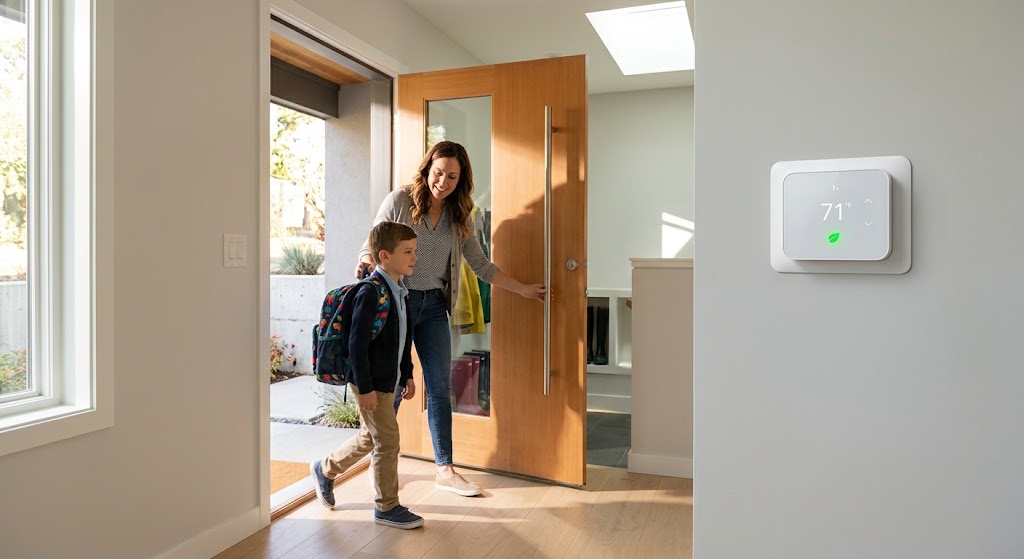
Quick answer
For a family with changing school and work schedules, smart thermostat geofencing works best as a layer on top of a basic schedule, not as the only control method. Configure presence for every regular household member who should keep the home in occupied mode, use conservative Away temperatures, and keep a predictable schedule or manual override as a fallback for children, caregivers, guests, or phones that are not participating in location sharing.
Table of contents
- What thermostat geofencing actually does
- Why back-to-school schedules are difficult for fixed thermostat programs
- Build a schedule first, then let geofencing correct it
- Why the schedule still matters
- The most important family setting: configure every relevant household member
- Include a person if their presence should prevent Away mode
- Plan explicitly for children without phones
- Option 1: Keep the baseline schedule conservative
- Option 2: Use supported home-device presence sensors
- Option 3: Use a manual Home/Away control
- Treat caregivers and after-school help as first-class schedule exceptions
- Set conservative Home and Away temperatures
- Heat-pump households need extra care
- Make the return-home trigger early enough—but not wasteful
- Avoid the one-phone geofencing trap
- Understand the privacy trade-off before enrolling family phones
- Use presence automation for comfort and efficiency, not safety-critical control
- A back-to-school geofencing configuration that works in real life
- 1. Write down the real weekly pattern
- 2. Build the baseline thermostat schedule
- 3. Decide who counts as an occupancy signal
- 4. Cover untracked people
- 5. Configure Away temperatures conservatively
- 6. Test the first-person-home and last-person-away behavior
- 7. Review one week of runtime and exceptions
- Schedule vs. geofencing vs. occupancy sensors
- Common family geofencing mistakes
- Mistake 1: Only adding the account owner’s phone
- Mistake 2: Removing the schedule entirely
- Mistake 3: Using an extreme Away temperature
- Mistake 4: Forgetting after-school caregivers
- Mistake 5: Treating geofencing as safety equipment
- Mistake 6: Never checking runtime history
- How much energy can geofencing save?
- Conclusion
Key takeaways
- Family geofencing should consider every person whose presence should keep the home in occupied mode, not just the primary account holder.
- A fixed schedule plus presence-based correction is usually more resilient than relying on either scheduling or geofencing alone.
- Conservative Away temperatures and manual overrides protect comfort when a child, caregiver, guest, or phone is not participating in location sharing.
Editorial transparency
Who worked on this article and how it was handled.
- Written by
- Maya Chen
- Creation method
- Editorial research
AI assistance: AI assisted with research organization and drafting. Sources, factual claims, and the final article should be reviewed by a human editor before publication.
Back-to-school season is where a perfectly good thermostat schedule starts to fall apart. One parent leaves early, another works from home twice a week, children return at different times, and after-school activities can move the first occupied hour by several hours from one day to the next.
Geofencing can make a smart thermostat adapt to those changes, but only if the home understands who counts as home. A thermostat that follows one parent’s phone can save energy while the family is out—or make the house uncomfortable because a child, caregiver, grandparent, or work-from-home partner was never included in the presence logic.
The most reliable setup is a hybrid: use a normal thermostat schedule as the baseline, then let geofencing or presence sensing correct for real-life deviations. This guide explains how to configure that setup for school mornings, empty-house periods, early returns, sports practices, caregiver days, and privacy-conscious households.
What thermostat geofencing actually does
Geofencing creates a virtual boundary around your home and uses a compatible phone or smart-home platform to recognize when a participating household member crosses that boundary.
ENERGY STAR describes geofencing as a common smart-thermostat feature. With permission, a thermostat can detect when you have left, shift heating or cooling toward an energy-saving setting, and restore a more comfortable temperature as you return.
That sounds simple for one person. A family home is more complicated because occupancy is a group state.
A useful family geofencing rule is:
- switch toward Away only after the last relevant person leaves;
- switch toward Home when the first relevant person returns.
Google Home documents this model explicitly for its presence-based automations: the Away automation can begin after the last participating household phone leaves, while Home can begin when the first phone returns. Google can also combine phone location with supported device sensors and Wi-Fi presence signals.
Other thermostat ecosystems implement the idea differently, so do not assume every platform uses the exact same trigger logic.
Why back-to-school schedules are difficult for fixed thermostat programs
A fixed schedule works well when the household repeats the same routine every weekday. School-year families rarely do that perfectly.
Consider a typical week:
| Time | Monday | Tuesday | Wednesday | Thursday | Friday |
|---|---|---|---|---|---|
| 6:30 a.m. | Family home | Family home | Family home | Family home | Family home |
| 8:30 a.m. | Empty | Parent works home | Empty | Empty | Parent works home |
| 2:30 p.m. | Empty | Parent home | Child returns | Empty | Parent home |
| 4:30 p.m. | Child returns | Child returns | Family activity | Child returns | Family home |
| Evening | Home | Home | Home later | Home | Home |
A thermostat programmed only for “Away from 8:30 a.m. to 4:00 p.m.” will be wrong several times in that table.
Presence-based control can correct those exceptions. But a geofence-only system has its own failure cases, which is why the hybrid approach is usually stronger.
Build a schedule first, then let geofencing correct it
Start with the routine that is true most of the time.
A back-to-school thermostat schedule might include:
- Wake: comfortable temperature before the family gets up.
- School/work departure: transition toward an energy-saving setting.
- Typical return: restore occupied comfort around the usual first-arrival window.
- Evening: maintain the family’s preferred occupied temperature.
- Sleep: use a nighttime setback or setup appropriate for the HVAC system and household.
Then use geofencing to handle the exceptions.
For example, if a parent is unexpectedly home on Tuesday, the presence system can keep the house from entering a deep Away setting. If a child returns earlier than the scheduled 4:00 p.m. recovery, Home mode can restore comfort sooner.
This is more resilient than deleting the schedule and asking location automation to make every decision.
Why the schedule still matters
Phone location is not a perfect occupancy sensor. A phone can be left at home, lose permission, run out of battery, disconnect from the account, or belong to only one family member.
The schedule gives the HVAC system a predictable baseline even when presence automation fails.
The most important family setting: configure every relevant household member
Google says presence sensing works best when every household member enables their individual phone in the Home app’s presence settings. If some household members do not participate, the system may think the house is empty while someone is still there.
That matters more during the school year because “who is home” changes constantly.
Include a person if their presence should prevent Away mode
Depending on the household, that can include:
- both parents or guardians;
- teenagers with participating phones;
- an older child who regularly comes home alone;
- a grandparent who lives in the home;
- a live-in caregiver;
- a household member who works from home unpredictably.
Do not assume every child needs location sharing. A young child may not have a phone, and a family may reasonably decide not to use a child’s phone location for thermostat automation.
In that case, the system needs another way to avoid a false Away state.
Plan explicitly for children without phones
This is the most common back-to-school edge case.
Imagine both parents leave the geofence at 8:00 a.m., but a child has a late school start and remains home with no participating phone. A phone-only automation could decide that “everyone is away” even though the house is occupied.
There are several safer ways to structure the system:
Option 1: Keep the baseline schedule conservative
Do not allow Away mode to create an extreme temperature difference during hours when an untracked person might be home.
This costs slightly more energy than a very aggressive setback, but it reduces the penalty when presence detection is wrong.
Option 2: Use supported home-device presence sensors
Some ecosystems can combine phone location with thermostat or smart-home device sensors. Google, for example, documents supported device sensors as additional inputs for presence sensing.
A sensor does not have to know who is home. It only needs to help the automation recognize that the house is not actually empty.
Option 3: Use a manual Home/Away control
Make sure an older child or caregiver knows how to restore Home mode from the thermostat or app if the automation gets it wrong.
The best family automation has a manual escape hatch.
Treat caregivers and after-school help as first-class schedule exceptions
A babysitter, grandparent, tutor, cleaner, or caregiver may enter the home while every configured family phone is outside the geofence.
If that happens regularly, geofencing should not be the sole source of truth.
You have three practical choices:
- give the person limited household access if the platform and your privacy preferences make that appropriate;
- rely on device-level presence detection during the relevant period;
- add a scheduled comfort window that covers the visit.
For example, if a grandparent is usually home with the children from 3:00 p.m. to 5:00 p.m. on Tuesdays, a schedule can guarantee comfort during that window even if the geofence never sees the grandparent’s phone.
This is a good example of why a schedule and geofence should cooperate rather than compete.
Set conservative Home and Away temperatures
The goal of geofencing is to reduce unnecessary HVAC runtime while the home is truly empty. It is not to push the building to uncomfortable or unsafe extremes.
The U.S. Department of Energy says households can save as much as 10% per year on heating and cooling by using substantial setbacks for about eight hours a day, although actual savings vary and heat-pump systems require appropriate controls.
For a family geofence, however, the best Away temperature is not simply the largest possible setback.
Consider:
- pets;
- indoor humidity;
- sensitive plants;
- plumbing freeze risk;
- very young or older occupants;
- medical or comfort needs;
- how quickly the HVAC system can recover;
- whether the home uses a heat pump with auxiliary heat.
Heat-pump households need extra care
Aggressive heating setbacks can trigger expensive auxiliary resistance heat during recovery on some heat-pump systems. DOE specifically cautions that heat pumps should use smart or programmable thermostat controls designed for heat-pump operation when applying setbacks.
If your thermostat has heat-pump-specific recovery, auxiliary-heat balance, or staging controls, use the manufacturer guidance rather than copying a generic furnace schedule.
Make the return-home trigger early enough—but not wasteful
The comfort side of geofencing is the return transition.
ENERGY STAR describes geofencing as a feature that can begin adjusting the home’s temperature when the user is on the way back so the house is comfortable on arrival.
For a school-year household, this helps most when return times vary.
A child might come home at 2:45 p.m. one day, 4:30 p.m. after practice the next, and 6:00 p.m. after an activity later in the week. A fixed recovery time either cools or heats an empty house too early or leaves the first person uncomfortable.
The ideal geofence radius or return behavior depends on:
- commute length;
- HVAC recovery speed;
- outdoor weather;
- home insulation and thermal mass;
- whether the platform allows arrival prediction or only inside/outside geofence logic.
Do not chase perfect timing on day one. Start with a reasonable configuration and use runtime history for a week or two to see whether the house is recovering too early or too late.
Avoid the one-phone geofencing trap
One-phone geofencing is acceptable for a one-person household. It is fragile for a family.
If the thermostat follows only one parent’s phone, then these situations can fail:
- the parent leaves while the other parent remains home;
- the primary phone leaves with one adult while a child stays behind;
- the parent works late but the rest of the family returns earlier;
- the phone’s location permission is disabled;
- the phone is forgotten at home, causing the house to remain in Home mode all day.
The fix is not necessarily “track everyone.” The fix is to make sure the automation has enough reliable signals to answer the only question that matters to the HVAC system:
Is the home actually occupied?
That can come from multiple phones, supported occupancy sensors, a schedule, or a combination of all three.
Understand the privacy trade-off before enrolling family phones
Geofencing is useful precisely because it uses location-related signals. That means privacy should be part of setup, not an afterthought.
Google says its Home app can use GPS, cellular, Wi-Fi, geofence crossings, home-network connections, and supported device sensors to determine presence. For this feature, Google states that the Home app is designed to determine whether you have left or returned rather than continuously record an exact route like a navigation app.
That does not describe every thermostat ecosystem.
Before enabling family geofencing, review:
- which phones can contribute presence;
- who can see Home/Away state;
- whether precise location is required;
- how location permissions are handled by the phone operating system;
- whether location history is separate from geofence presence;
- whether household members can opt out without breaking the automation.
For children and teenagers, the privacy decision belongs to the family—not the thermostat.
Use presence automation for comfort and efficiency, not safety-critical control
Google explicitly warns that presence-based automations are for convenience and should not be used for safety- or security-critical behavior because automations can depend on internet, Wi-Fi, service availability, and third-party systems.
The same principle is sensible for thermostat geofencing.
Do not make geofencing the only protection against:
- frozen pipes;
- unsafe heat exposure;
- conditions required for medically vulnerable occupants;
- pet safety in extreme weather.
Use thermostat safety limits, equipment protections, local alerts, or other dedicated controls as appropriate.
A back-to-school geofencing configuration that works in real life
A reliable family setup can be built in seven steps.
1. Write down the real weekly pattern
List wake time, normal departure, each person’s usual return, work-from-home days, sports practices, and recurring caregiver windows.
You are looking for exceptions, not just the average day.
2. Build the baseline thermostat schedule
Program the times that are predictable: wake, typical empty period, evening, and sleep.
3. Decide who counts as an occupancy signal
Add every participating adult and household member whose phone should keep the home in Home mode. Do not add people purely because the technology allows it.
4. Cover untracked people
If children, caregivers, or guests may be home without a participating phone, use a conservative schedule, supported occupancy sensors, or a scheduled comfort window.
5. Configure Away temperatures conservatively
Start with a modest energy-saving difference and confirm comfort, humidity, recovery time, and HVAC behavior before increasing it.
6. Test the first-person-home and last-person-away behavior
Have household members leave and return separately. Confirm that the thermostat does not enter Away too early and that Home mode returns when expected.
7. Review one week of runtime and exceptions
ENERGY STAR certified smart thermostats are required to provide HVAC use information, such as runtime feedback. Use that data together with family feedback to refine the setup.
Schedule vs. geofencing vs. occupancy sensors
These controls solve different problems.
| Control method | Best at | Main weakness |
|---|---|---|
| Fixed schedule | Predictable school/work routines | Cannot adapt well to changing days |
| Phone geofencing | Detecting household departures and returns | Depends on participating phones, permissions, and connectivity |
| Device occupancy sensors | Detecting activity inside the home | May not identify every occupied situation or room reliably |
| Hybrid approach | Combining predictability with real-world correction | Takes more setup and testing |
For most back-to-school families, the hybrid approach is the practical winner.
It gives the thermostat a normal plan but allows the home to react when Tuesday does not look like Monday.
Common family geofencing mistakes
Mistake 1: Only adding the account owner’s phone
This is the fastest way to create false Away events in a multi-person household.
Mistake 2: Removing the schedule entirely
A schedule is useful insurance when location automation is unavailable or incorrect.
Mistake 3: Using an extreme Away temperature
Large setbacks can make recovery slow and may be counterproductive for some heat-pump systems.
Mistake 4: Forgetting after-school caregivers
If someone regularly enters while all family phones are away, build that person or time window into the occupancy strategy.
Mistake 5: Treating geofencing as safety equipment
Presence automation can fail. Keep safety-critical temperature protections independent from convenience automation.
Mistake 6: Never checking runtime history
Automation should be measured against actual results. If the HVAC starts recovering hours before anyone arrives, or never enters Away during an empty school day, the configuration needs adjustment.
How much energy can geofencing save?
There is no trustworthy universal percentage for geofencing alone.
ENERGY STAR certified smart thermostats must demonstrate energy savings using aggregated field data from real homes. The current ENERGY STAR product criteria require certified services to meet minimum statistical thresholds for reductions in heating and cooling runtime, but those results reflect the thermostat service as a whole—not a guaranteed savings percentage from one feature.
DOE separately says thermostat setbacks can save as much as 10% per year on heating and cooling under appropriate conditions.
The family-specific savings opportunity depends on one simple factor: how often the thermostat correctly identifies that nobody needs full comfort conditioning.
A household that is empty for eight predictable hours every weekday may already do well with a fixed schedule. A family with irregular school, work, and activity patterns has more opportunity for geofencing to prevent unnecessary heating or cooling without sacrificing comfort.
Conclusion
Smart thermostat geofencing is most useful for back-to-school families when it corrects a schedule instead of replacing one. Build a predictable baseline, configure multiple household presence signals where appropriate, and explicitly account for children or caregivers who may be home without a participating phone.
Start with conservative Away settings and test the first week of school as if you were testing any other automation. If the thermostat reliably waits for the last person to leave, restores comfort for the first person home, and still behaves sensibly when location data fails, you have a family schedule that can adapt without turning comfort into another thing everyone has to remember.
Common questions
Questions this guide answers
How does smart thermostat geofencing work with multiple family members?
A compatible thermostat or smart-home platform can use location or presence signals from multiple household members to determine when everyone is away and when the first person returns. The exact behavior depends on the platform, so every participating phone and household member should be configured correctly before relying on it.
Should I use geofencing or a thermostat schedule for school days?
Use both. A schedule provides a predictable baseline for wake-up, school, work, evening, and sleep periods, while geofencing can correct for unexpected early returns, late departures, work-from-home days, sports practices, and other schedule changes.
Can thermostat geofencing accidentally switch to Away while someone is still home?
Yes. This can happen when only one phone participates, location permissions are disabled, a child or caregiver has no participating phone, or the platform misreads presence. Multi-person configuration and a conservative fallback schedule reduce the risk.
Does smart thermostat geofencing save energy?
Geofencing can reduce unnecessary heating or cooling when a home is actually empty. ENERGY STAR lists geofencing as a common smart-thermostat feature and requires certified smart thermostats to demonstrate energy savings using real-world field data, but the savings from geofencing alone vary by household routine and HVAC system.
Is smart thermostat geofencing private?
Privacy behavior varies by platform. For example, Google says its Home app can use phone location, Wi-Fi, and device sensors for presence sensing and is designed to determine whether someone has left or returned rather than continuously recording an exact route for this feature. Review the permissions and privacy documentation for the specific platform you use.
Evidence & further reading
Sources & references
Primary and authoritative references used to support or contextualize this article. Links open the original source.
- 1Smart Thermostats
ENERGY STAR · Accessed Aug 21, 2026
Supports smart-thermostat definitions, geofencing as a common feature, remote control, schedules, and field-verified ENERGY STAR savings requirements.
- 2Smart Thermostats
ENERGY STAR · Accessed Aug 21, 2026
Supports how geofencing raises or lowers setpoints when a user leaves or returns and explains other smart-thermostat scheduling and sensor capabilities.
- 3Smart Thermostats Key Product Criteria
ENERGY STAR · Accessed Aug 21, 2026
Supports schedule requirements and ENERGY STAR field-savings criteria for certified smart thermostats.
- 4Learn about presence sensing & how to manage your data
Google Home and Nest Help · Accessed Aug 21, 2026
Supports multi-person phone presence, geofence and Wi-Fi signals, device-sensor inputs, and Google Home privacy behavior for presence sensing.
- 5Learn about presence-based automations
Google Home and Nest Help · Accessed Aug 21, 2026
Supports first-person-home and last-person-away behavior, Eco when away, sensor participation, and limitations of presence-based automations.
- 6Remote occupancy and temperature sensor
ecobee · Accessed Aug 21, 2026
Supports Smart Home & Away behavior that adjusts for energy savings when occupants leave and restores comfort when they return.
- 7Energy Saver: Tips on Saving Money and Energy in Your Home
U.S. Department of Energy · Accessed Aug 21, 2026
Supports thermostat setback as an energy-saving strategy and the need for heat-pump-compatible controls when using setbacks.

About the author
Maya Chen
Maya covers residential energy, HVAC controls, and practical home automation, translating technical systems into useful decisions for homeowners and renters.
More from Maya →Make your home smarter without buying every gadget.
One useful idea, one product worth knowing, and one energy-saving action—delivered weekly.
No spam. Unsubscribe anytime.
Semantic recommendations
Related reading
Selected from topic cluster, entities, tags, search intent, and editorial relationships.
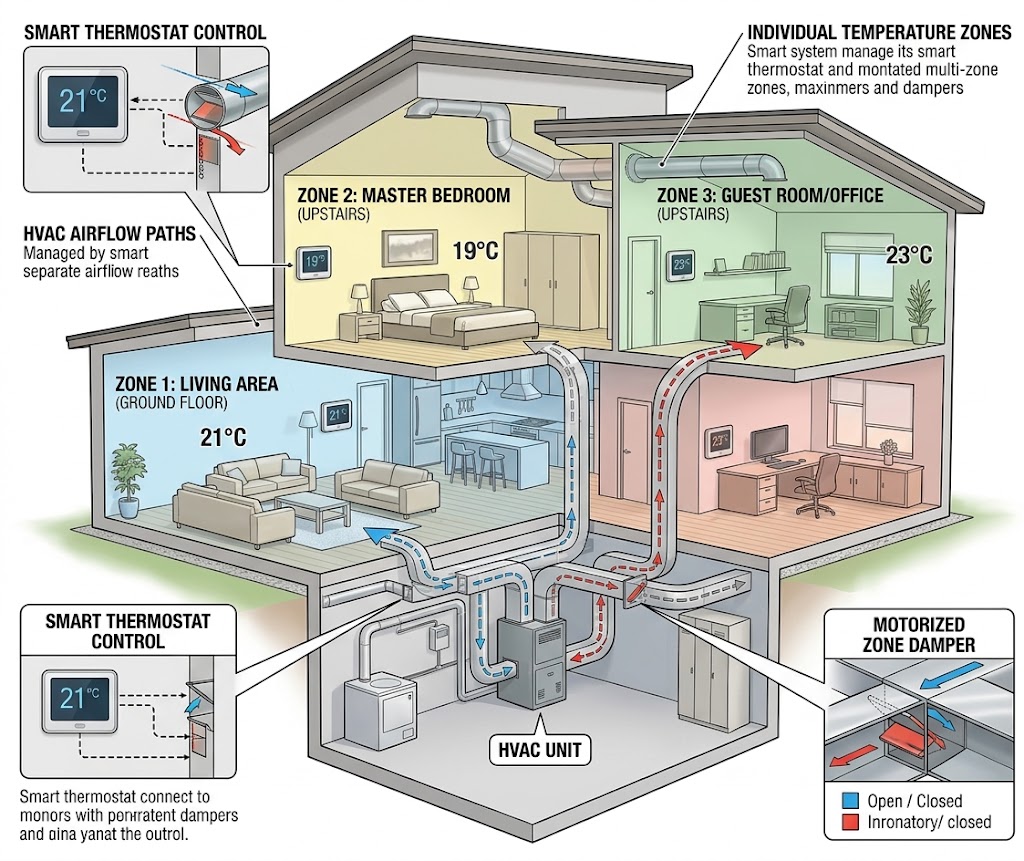
How Smart Thermostats Handle Multi-Zone HVAC Systems Efficiently
Multi-zone HVAC works best when thermostats, zone controls, sensors, and equipment capacity cooperate instead of fighting each other.
How to Automate Ceiling Fans for Reverse Rotation in Upcoming Fall
Set ceiling fans for fall without climbing a ladder: learn which smart fans can reverse from an app, what can be automated, and the safest seasonal setup.
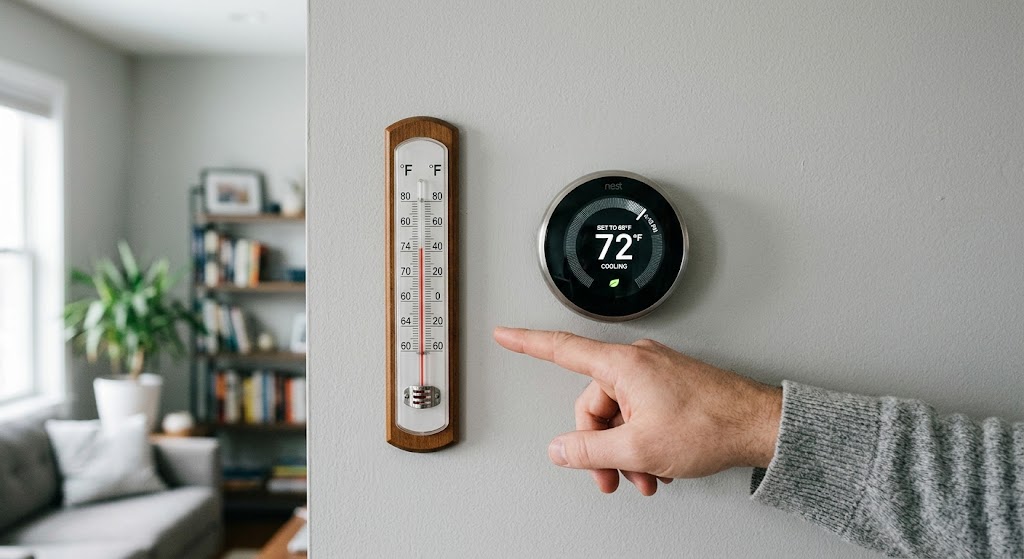
How to Recalibrate Smart Thermostat Temperature Offset Sensors
Learn how to verify a smart thermostat temperature error, apply the right offset, and fix placement problems before they waste comfort or HVAC energy.
5 Essential Home Assistant Automations for Energy Saving
These five Home Assistant automations target the biggest sources of avoidable household energy use: HVAC runtime, unnecessary lighting, standby loads, expensive tariff windows, and solar heat gain.