
Radiant Floor Thermostat Schedules: Setback vs. Steady Heat
A practical guide to radiant-floor thermostat schedules, floor and air sensors, slow recovery, and when a setback is worth testing.

Quick answer
There is no single best thermostat schedule for every radiant floor. Identify whether the system is hydronic or electric, choose compatible air- or floor-sensor controls, respect the flooring and equipment limits, and test a modest schedule change while tracking recovery and comfort rather than assuming a fixed savings amount.
Table of contents
- Start by identifying the radiant-floor system
- Air sensor, floor sensor, or both?
- Setback versus steady heat: what the evidence says
- A simple way to tune the schedule
- If radiant heat shares the home with a heat pump
- Common questions
- Should I leave radiant floor heating on all day?
- Does a radiant floor need a longer recovery period?
- Can I use any smart thermostat with radiant floor heat?
- Conclusion: let your floor’s response decide
Key takeaways
- Radiant-floor schedules should account for the installed system's real recovery time; the DOE notes that some radiant floors take time to heat.
- Air-only, floor-only, and combined sensor modes do different jobs, and thermostat features are model-specific.
- A DOE hydronic case study reported benefits from setback with recovery controls in the systems tested, but not a universal savings rule.
- Use flooring and equipment limits, verify thermostat compatibility, and change one schedule variable at a time.
Editorial transparency
Who worked on this article and how it was handled.
- Written by
- Maya Chen
- Creation method
- Editorial research
AI assistance: AI assisted with research organization and drafting. The cited official and manufacturer documents were retrieved and checked; no independent human editorial review has occurred yet.
Radiant floor heating does not always respond on the same timetable as a forced-air thermostat schedule.[4] There is no single schedule that works for every home: identify your floor system and sensor controls, then test a modest setback only if the system can recover in time for your routine. A U.S. Department of Energy case study found lower cycling and energy use with setback plus recovery controls in the hydronic systems it evaluated, but also reported slow recovery in homes it studied—so that result is not a guarantee for every floor.[1]
Before changing the program, check whether your thermostat controls room air, floor temperature, or both, and confirm that it is compatible with your heat source. Radiant-floor thermostats can also have floor-temperature limits; do not copy another home’s settings or bypass the floor and equipment manufacturer’s limits.[2][3]
Start by identifying the radiant-floor system
“Radiant floor” describes where heat is delivered, not one standard thermostat or control circuit. Hydronic systems circulate heated water through tubing and usually rely on compatible zone controls; electric floor systems use resistance heating and require a thermostat rated for that specific load. The Resideo TH114 guide, for example, says its thermostat is for resistive loads, while Uponor’s touchscreen manual is for hydronic radiant applications.[2][3]
That difference matters before buying a Wi-Fi thermostat or changing wiring.[2][3] Check the model number, heating source, voltage and load requirements, any zone controller or relay, and the manufacturer’s compatibility list. If the setup is unclear—especially for line-voltage electric heat—ask a qualified HVAC or electrical professional rather than guessing from the thermostat’s app features.[2]
Air sensor, floor sensor, or both?
Thermostat modes are model-specific, but the Resideo TH114 manual illustrates three common approaches: air control, floor control through an external sensor, and a combined mode that controls room air while keeping floor temperature within configured limits.[2] A floor sensor is also an optional feature on the cited Uponor hydronic thermostat; its manual describes it as a way to measure floor temperature for comfort and surface protection.[3]
| Control mode | What it measures | What to check |
|---|---|---|
| Air-only | Room air at the thermostat | Is the thermostat in a representative room location? |
| Floor-only | Floor temperature at the sensor | Is floor temperature—not room-air setpoint—the intended control target? |
| Air + floor limit | Room air plus a floor-temperature boundary | Are the limit and sensor settings appropriate for the flooring and system? |
Do not assume that a floor sensor is just a second room thermometer.[2][3] Depending on the model, it may control the floor directly or act as a limit while the air sensor controls comfort. Follow the exact thermostat manual and flooring supplier’s temperature guidance; a setting that is safe for one floor covering may not be appropriate for another.[2][3]
Setback versus steady heat: what the evidence says
A common shortcut is to assume that a smart schedule should always lower the temperature overnight or while everyone is away.[1] The DOE Building America case study gives a more nuanced picture: its tested hydronic systems used less energy and cycled less with thermostat setback plus recovery controls than with constant-temperature operation, while the report also describes slow recovery from setbacks in homes it evaluated.[1]
Treat that as evidence that a well-configured setback can work in some hydronic systems—not proof that a deep setback, a particular recovery time, or a fixed percentage of savings applies to your radiant floor. The homes and controls in a study are not your home’s commissioning data. If the floor cannot recover by the time you need comfort, a schedule that looks efficient on a screen can still leave the room cold.[1]
A practical starting point is to preserve the temperature that already feels comfortable during occupied hours, then make only a small schedule change during a predictable away or sleep period. Observe whether the room returns to comfort when expected.[1][4] If not, reduce the setback, start recovery earlier, or return to a steadier setting; do not compensate by raising the floor limit beyond the manufacturer’s guidance.[1][2]
A simple way to tune the schedule
Use a short, repeatable test instead of copying a generic thermostat timetable:
- Record a baseline. For several ordinary days, note occupied comfort, thermostat mode, schedule, and when heating begins. If the app reports runtime or energy, record it too.
- Change one thing. Try a modest setback during one predictable period; keep other schedule blocks and sensor priorities unchanged.
- Check recovery. Note when the heating call starts and when the room—not just the floor—feels comfortable again.[4] Radiant floors can take time to heat, so a scheduled wake-up time may require an earlier recovery start.[4]
- Compare like with like. Weather affects heating demand. Compare similar days where possible, and don’t treat one cold snap or one utility bill as proof of savings.
- Keep or undo the change. Keep the schedule only if comfort remains acceptable and the observed energy or runtime trend is useful. Otherwise, make the setback shallower, shift recovery earlier, or use a steadier setting.
If your thermostat offers adaptive or early recovery, confirm in its manual that the feature supports your heating system and zone controller before enabling it. Then watch the actual recovery behavior. Uponor’s hydronic control manual describes system-specific differential and pulse-width-modulation control; that is an example of a radiant-focused control design, not a feature every smart thermostat provides.[3]
If radiant heat shares the home with a heat pump
A radiant floor may be a secondary heating system alongside a heat pump.[4] In that arrangement, thermostat logic affects how the systems interact—not just the room schedule.[4] The DOE Building Science Education Center cautions that radiant floors can take time to heat and delay secondary heat; its homeowner guide says an indoor-temperature control method can help minimize that delay.[4]
Ask the installer which system is primary, what condition calls the secondary heat, and how the controls avoid an uncomfortable gap.[4] The right setup depends on the equipment and household priorities, so do not change switchover or installer-only settings based on a generic online schedule.[4]
For related context, see our guides to smart thermostat savings and multi-zone HVAC controls.
Common questions
Should I leave radiant floor heating on all day?
Not automatically.[1] DOE research found that setback plus recovery controls reduced cycling and energy use in the hydronic systems tested, but the same body of work describes slow recovery; the result does not establish a universal schedule for every home.[1]
Does a radiant floor need a longer recovery period?
It may.[4] DOE homeowner guidance says some radiant floors take time to heat and that this can delay secondary heating. Measure how long your system takes to restore comfort, then schedule recovery early enough for your own routine.[4]
Can I use any smart thermostat with radiant floor heat?
No. Verify the thermostat’s supported heat source, voltage/load, sensor inputs, zone controls, and compatibility. The cited Resideo model is for resistive loads, while the cited Uponor model is designed for hydronic radiant applications; those are examples of why the system details matter.[2][3]
Conclusion: let your floor’s response decide
A radiant-floor schedule is not a contest between “always on” and an aggressive overnight setback.[1][4] Start with compatible controls, preserve the floor’s safety limits, and use your own comfort and recovery observations to decide whether a modest setback is worthwhile.[1][2] Change one setting at a time, keep only changes that work in your home, and ask a qualified installer to review complex dual-system controls.
Common questions
Questions this guide answers
Should radiant floor heating be left on all the time?
Not necessarily. A U.S. Department of Energy case study found that setback with recovery controls reduced cycling and energy use in the tested hydronic systems, but it also documented slow recovery; the result does not establish one schedule for every radiant floor.
Does thermostat setback work with radiant floor heating?
It can, but recovery may be slow. Test the schedule in your own home and give the system enough lead time to reach comfort; do not assume a deep setback will recover by a chosen hour.
Should a radiant-floor thermostat use an air or floor sensor?
That depends on the thermostat and installation. Some models control room air, some control floor temperature, and some combine room control with floor limits; follow the product and flooring instructions.
Evidence & further reading
Sources & references
Primary and authoritative references used to support or contextualize this article. Links open the original source.
- 1Optimizing Hydronic System Performance in Residential Applications
U.S. Department of Energy, Building America · Accessed Nov 23, 2026
Reports hydronic-system test findings on thermostat setback, recovery, cycling, and energy use; findings are limited to the systems evaluated.
- 2TH114-AF-GA / TH114-AF-GB Owner's Guide
Resideo · Accessed Nov 23, 2026
Describes air, floor, and combined temperature control modes for this specific resistive-load thermostat.
- 3Uponor Heat-only Thermostat with Touchscreen Installation and Operation Manual
Uponor · Accessed Nov 23, 2026
Manufacturer documentation for a hydronic radiant thermostat, floor-sensor option, and its control behavior.
- 4Controls for a Heat Pump with Secondary Heating for Homeowners
Building Science Education Center, U.S. Department of Energy · Accessed Nov 23, 2026
Explains that radiant floors can delay secondary heating and describes the indoor-temperature control strategy as one way to minimize the delay.

About the author
Maya Chen
Maya covers residential energy, HVAC controls, and practical home automation, translating technical systems into useful decisions for homeowners and renters.
More from Maya →Make your home smarter without buying every gadget.
One useful idea, one product worth knowing, and one energy-saving action—delivered weekly.
No spam. Unsubscribe anytime.
Semantic recommendations
Related reading
Selected from topic cluster, entities, tags, search intent, and editorial relationships.

How Much Can a Smart Thermostat Actually Save You?
A practical, data-first guide to comfort, schedules, occupancy sensing, and where real household savings come from.
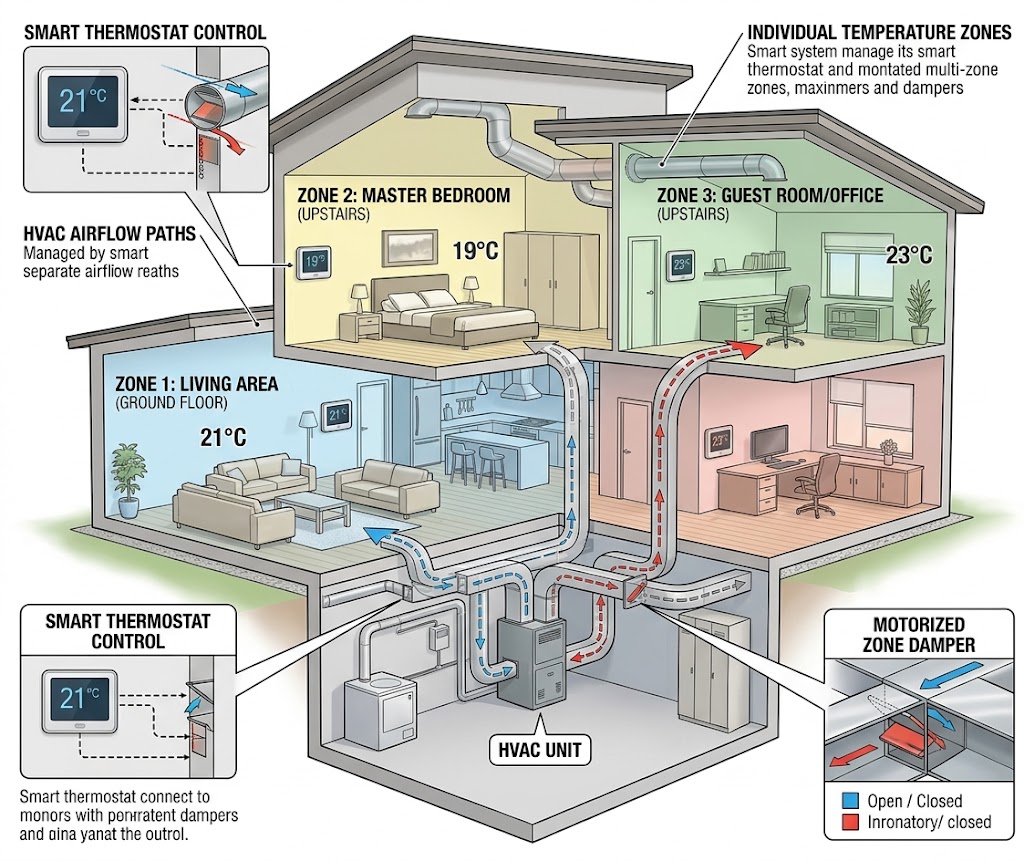
How Smart Thermostats Handle Multi-Zone HVAC Systems Efficiently
Multi-zone HVAC works best when thermostats, zone controls, sensors, and equipment capacity cooperate instead of fighting each other.
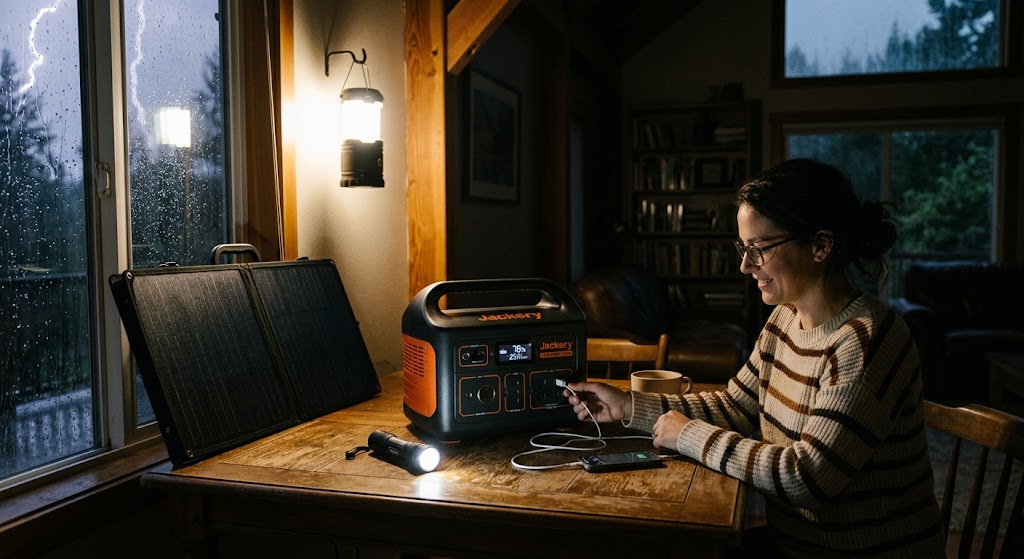
Solar Generator Backup Basics for Late-Summer Storm Outages
Learn how to size and safely use a portable battery power station with solar charging for storm outages, from watt-hours and surge loads to refrigerators and recharge planning.
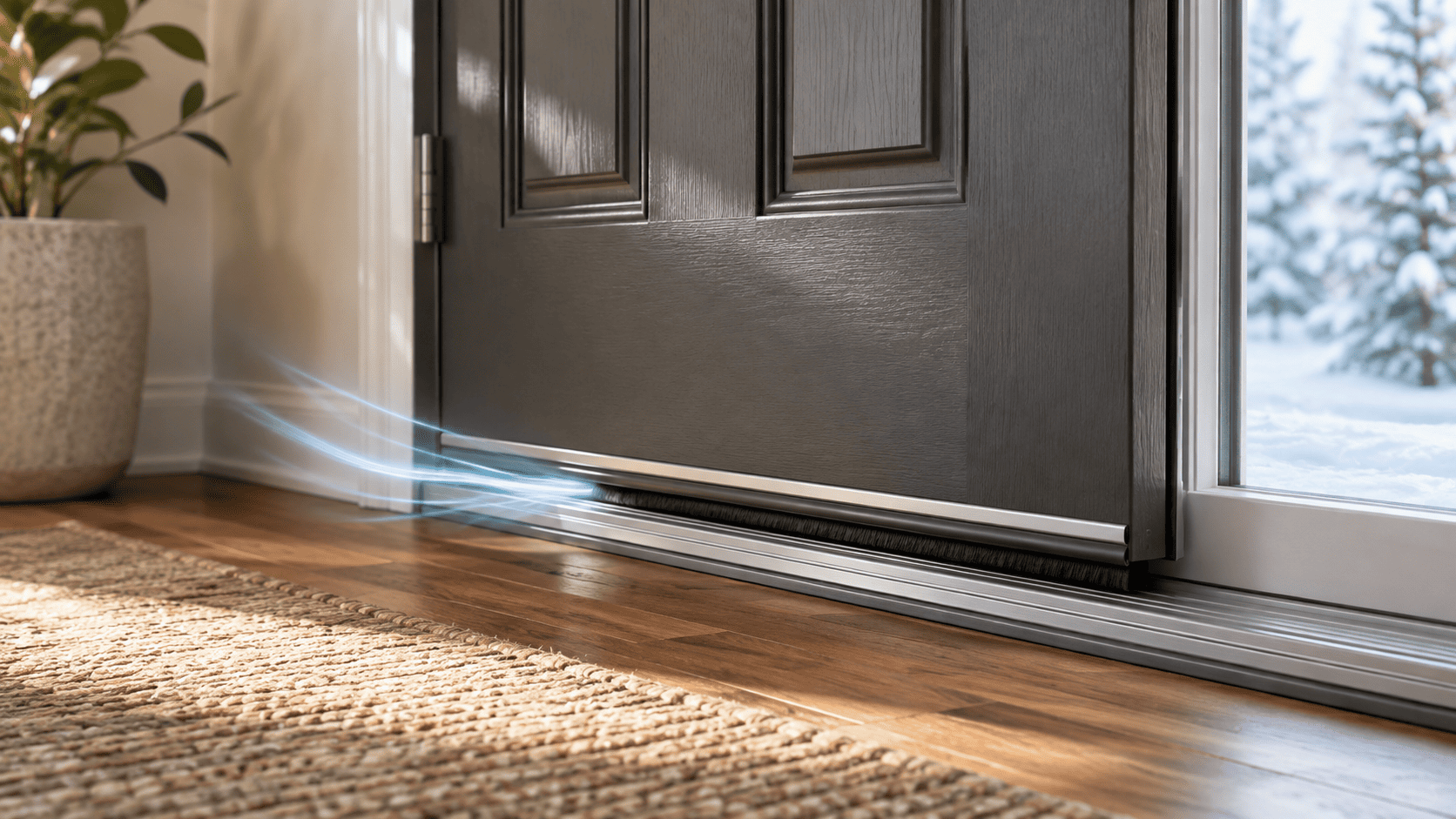
How to Stop Drafts Under Exterior Doors Without Replacing the Frame
Cold air under an exterior door usually comes from a worn sweep, misadjusted threshold, tired weatherstripping, or unsealed trim. Here is how to fix it without replacing the frame.