
10 Drill-Free Smart Home Upgrades That Won't Risk Your Security Deposit
These renter-friendly smart home upgrades add automation, energy savings, safety, and comfort without drilling holes or changing permanent wiring.

Quick answer
The lowest-risk smart home upgrades for renters are portable devices that plug in, screw into existing bulb sockets, sit on a shelf, clamp onto existing hardware, or use properly removable adhesive strips. Good examples include smart bulbs, smart plugs, smart power strips, speakers or hubs, contact and motion sensors, leak detectors, indoor air quality monitors, freestanding cameras, and clamp-on curtain controllers. No upgrade can guarantee protection of a security deposit, so always check the lease, avoid altering fixed wiring or locks without permission, and test removable adhesives on an inconspicuous surface.
Table of contents
- Before You Buy: The Renter-Safe Rule
- Why adhesive is not automatically safe
- 1. Smart Bulbs
- Why they make sense for renters
- Energy angle
- 2. Smart Plugs
- The safety limit
- 3. Smart Power Strips
- Good renter automation
- 4. A Portable Smart Speaker or Smart Home Hub
- Look for local or cross-platform compatibility
- 5. Battery-Powered Door and Window Contact Sensors
- Security-deposit caution
- 6. Battery-Powered Motion or Occupancy Sensors
- Best renter setup
- 7. Freestanding Water Leak Sensors
- Why this matters even more to renters
- Important distinction
- 8. Portable Indoor Air Quality Monitor
- What it can help you learn
- What it cannot replace
- 9. Freestanding Indoor Security Camera
- Privacy comes before convenience
- 10. Clamp-On Curtain or Blind Automation
- Energy benefit depends on the window
- What I Would Not Put on a “Deposit-Safe” List
- Hardwired smart switches
- Hardwired smart thermostats
- Replacement smart locks
- Video doorbells attached to shared or exterior areas
- Permanent window films
- Mounted wall tablets
- Build the Apartment Around Automations, Not Gadgets
- “Leave Home”
- “Good Night”
- “Hot Afternoon”
- The Security-Deposit Checklist
- Move-Out Strategy: Treat Smart Devices Like Furniture
- Which Upgrades Give the Best Value?
- Conclusion
Key takeaways
- The safest renter upgrades are portable, plug-in, screw-in, clamp-on, or genuinely removable rather than hardwired or permanently mounted.
- Smart bulbs, plugs, and power strips offer some of the easiest renter-friendly energy savings because they require no electrical modification.
- Battery-powered contact, motion, and leak sensors can add useful awareness without changing the property.
- Removable adhesive is lower-risk than screws, but surface type and removal technique still matter.
- Keep original bulbs, hardware, packaging, and configuration notes so the apartment can be restored at move-out.
Editorial transparency
Who worked on this article and how it was handled.
- Written by
- Maya Chen
- Creation method
- Editorial research
AI assistance: AI assisted with research organization and drafting. Sources, factual claims, and the final article should be reviewed by a human editor before publication.
Renting no longer means choosing between a completely “dumb” apartment and a security deposit covered in screw holes. A surprising amount of useful smart-home functionality now comes from devices that plug in, screw into existing sockets, sit on furniture, or attach with removable materials.
The important word is removable. “Drill-free” does not automatically mean “deposit-proof.” Some leases prohibit changes to locks or exterior-facing devices, and even removable adhesive can pull weak paint or damage wallpaper if it is used on the wrong surface or removed incorrectly.
So the practical goal is not to make permanent changes without getting caught. It is to build a smart apartment that can be returned to its original condition quickly and cleanly. The ten upgrades below are selected with that standard in mind.
Before You Buy: The Renter-Safe Rule
Use this hierarchy when deciding whether a smart upgrade belongs in a rental.
From lowest to highest property risk:
- Freestanding — sits on a desk, shelf, floor, or counter.
- Plug-in — uses a standard outlet and removes without tools.
- Screw-in — replaces a light bulb but does not modify the fixture.
- Clamp-on — attaches to existing furniture, curtains, or hardware.
- Removable adhesive — useful, but surface condition matters.
- Screwdriver-only replacement — technically drill-free, but modifies landlord-owned hardware.
- Hardwired or drilled — get written permission first.
The first five categories are where this guide stays.
Why adhesive is not automatically safe
Manufacturers such as 3M design removable strips to release without nail holes or sticky residue when used on compatible surfaces and removed correctly. Their instructions specifically emphasize slowly stretching the strip downward rather than pulling it toward you.
Still, old paint, poorly bonded paint, wallpaper, textured surfaces, and recently painted walls can behave unpredictably.
Before mounting a sensor:
- read the adhesive manufacturer’s surface restrictions;
- test on an inconspicuous spot where practical;
- do not exceed the rated load;
- remove it exactly as instructed;
- never assume your lease treats adhesive mounting as acceptable just because it leaves no hole.
1. Smart Bulbs
Best for: lamps, bedrooms, living rooms, renter-friendly lighting scenes
Installation: screw in and connect to an app or hub
Property modification: none
Smart bulbs are one of the cleanest ways to add automation to a rental because they replace something you already control: the bulb.
ENERGY STAR’s smart-lighting guidance describes this category as potentially as simple as screwing in a bulb and connecting it to Wi-Fi. Depending on the platform, you can add:
- schedules;
- dimming;
- sunrise and sunset routines;
- geofencing;
- occupancy-based rules;
- voice control;
- vacation lighting.
Why they make sense for renters
There is no switch wiring to alter and no fixture to replace.
When you move:
- unscrew the smart bulb;
- reinstall the original bulb;
- factory-reset the smart bulb;
- take it to the next apartment.
Energy angle
DOE specifically recommends efficient LED lighting for renters, and smart control adds another layer by helping lights turn off automatically when nobody needs them.
Do not replace an efficient landlord-provided LED solely because a “smart” bulb sounds more sustainable. The value comes from control and automation, not from replacing a good bulb unnecessarily.
2. Smart Plugs
Best for: lamps, fans, holiday lighting, coffee stations, selected electronics
Installation: plug into an outlet
Property modification: none
A smart plug turns a conventional plug-in device into a controllable load.
DOE explicitly recommends smart plugs and power strips as low-disruption tools for renters because they can shut off electronics that would otherwise continue drawing electricity while unused.
Useful automations include:
- bedroom fan off at 7 a.m.;
- floor lamp on at sunset;
- office equipment off after work;
- entertainment devices disabled overnight;
- appliance reminders.
The safety limit
A smart plug is not appropriate for every appliance.
Check:
- voltage;
- maximum current;
- maximum wattage;
- whether the manufacturer permits the appliance type;
- whether the load is resistive or motor-driven.
Do not use a generic smart plug as an improvised control for permanently wired heaters, high-power appliances, or anything the plug manufacturer excludes.
3. Smart Power Strips
Best for: desks, TV consoles, gaming setups, home offices
Installation: plug in
Property modification: none
A smart power strip is the more useful version of a single smart plug when several devices share one area.
Examples:
- monitor + speakers + desk accessories;
- TV + streaming box + game console;
- printer + chargers + peripherals.
Some models provide individually controllable outlets, timers, or energy monitoring.
ENERGY STAR’s Smart Home Energy Management Systems criteria specifically recognize plug-load monitoring and control—including smart plugs and smart power strips—as part of a connected energy-management setup.
Good renter automation
Create an “Away” or “Sleep” scene that disables selected nonessential loads while leaving equipment that needs constant power alone.
Avoid repeatedly cutting power to devices that require graceful shutdown, continuous connectivity, refrigeration, medical operation, or other uninterrupted service.
4. A Portable Smart Speaker or Smart Home Hub
Best for: voice control and tying several renter-friendly devices together
Installation: place on furniture and plug in
Property modification: none
A smart apartment gets more useful when each device stops behaving like a separate app.
A portable smart speaker or hub can become the control layer for:
- lights;
- plugs;
- sensors;
- robot vacuums;
- curtains;
- media devices;
- selected cameras.
The renter-friendly benefit is simple: the entire control system can leave with you.
Look for local or cross-platform compatibility
If you plan to move often, avoid building the whole apartment around one obscure cloud service.
Prefer devices with broad ecosystem compatibility or modern interoperability standards where practical.
The goal is to make the hardware portable between homes, not just physically removable from the current wall.
5. Battery-Powered Door and Window Contact Sensors
Best for: entry awareness, window-open alerts, automation triggers
Installation: removable adhesive or freestanding workaround where supported
Property modification: low
A contact sensor has two pieces. When the magnet and sensor separate, the system knows the door or window has opened.
That simple signal can trigger useful renter automations:
- send an alert when a balcony door opens;
- turn entry lighting on;
- pause selected climate routines when a window remains open;
- trigger an “away” notification.
ENERGY STAR’s smart-home framework specifically recognizes occupancy and event-triggered automation as a way connected devices can reduce unnecessary operation.
Security-deposit caution
The electronics are low-risk. The adhesive is the part that requires care.
Do not mount:
- on crumbling paint;
- across moving seals;
- where removal will tear wallpaper;
- where the sensor prevents a window from operating correctly.
Keep spare adhesive tabs for move-out.
6. Battery-Powered Motion or Occupancy Sensors
Best for: hallways, closets, bathrooms, entry routines, lighting automation
Installation: freestanding or removable adhesive
Property modification: low
Motion sensors become useful when they stop you from automating everything by clock.
Instead of:
Turn the hallway light on every day at 7 p.m.
you can create:
Turn the hallway light on when someone enters after sunset.
That is a better smart-home behavior because it responds to actual use.
ENERGY STAR’s Smart Home Energy Management Systems criteria explicitly include control based on room and home occupancy.
Best renter setup
Mount a lightweight sensor with removable adhesive—or place it on a shelf when its field of view allows.
Avoid using a single motion sensor for safety-critical assumptions such as deciding whether a home is definitely empty. Motion sensing can miss sleeping or stationary people.
7. Freestanding Water Leak Sensors
Best for: under sinks, behind toilets, near washing machines, beside water heaters where accessible
Installation: place on the floor or cabinet base
Property modification: none
This is arguably the highest-consequence upgrade on the list.
A small battery-powered moisture sensor can sit under a sink and alert you when it detects unexpected water.
EPA WaterSense says leak-detection devices can identify unexpected moisture or irregular water use and can help reduce water waste and damage.
Why this matters even more to renters
You may not own the plumbing, but a leak can still damage:
- your furniture;
- electronics;
- flooring under your belongings;
- neighboring units;
- personal property.
A freestanding sensor requires no landlord hardware modification.
Important distinction
A basic sensor alerts you.
A whole-home automatic shutoff system is a different category and normally requires plumbing work and landlord approval. Do not confuse the two.
8. Portable Indoor Air Quality Monitor
Best for: bedrooms, home offices, kitchens, wildfire-smoke awareness
Installation: place on a desk or shelf
Property modification: none
A portable indoor air quality monitor can track some combination of:
- particulate matter;
- carbon dioxide;
- temperature;
- humidity;
- VOC-related readings;
- other sensor-specific metrics.
EPA notes that consumer low-cost monitors can provide useful information about specific pollutants or indoor environmental factors and can help identify when action may be appropriate.
What it can help you learn
You may notice:
- CO2 rising sharply in a closed bedroom;
- particulate matter spiking during cooking;
- humidity staying high after showers;
- PM increasing during wildfire smoke events.
That information can guide practical actions such as ventilation or filtration.
What it cannot replace
EPA also emphasizes the limitations.
A consumer IAQ monitor:
- does not measure every pollutant;
- is not equivalent to regulatory-grade monitoring;
- should not be treated as a certified smoke detector;
- should not replace a certified carbon monoxide alarm.
Think of it as information, not an all-purpose life-safety device.
9. Freestanding Indoor Security Camera
Best for: entry monitoring, pets, package-area view from inside, travel
Installation: shelf, cabinet, counter, or removable stand
Property modification: none
You do not need to screw a camera into a wall to get useful indoor monitoring.
Place a small indoor camera on:
- a bookshelf;
- media cabinet;
- side table;
- freestanding camera stand.
This gives you a smart security upgrade with zero wall contact.
Privacy comes before convenience
Aim cameras only at spaces you are legally and ethically entitled to monitor.
Be especially careful with:
- roommates;
- guests;
- bedrooms;
- bathrooms;
- shared hallways;
- building common areas.
Rental rules, recording-consent laws, and privacy expectations vary by location.
The renter-safe answer is usually to keep cameras inside your private living area and avoid permanently altering exterior doors, hallways, or landlord-provided security equipment without permission.
10. Clamp-On Curtain or Blind Automation
Best for: bedrooms, living rooms, sunny apartments, morning routines
Installation: attaches to compatible existing curtain hardware
Property modification: none when properly compatible
One of the more interesting renter upgrades is a small motor that moves along an existing curtain rod or track.
Unlike a hardwired motorized blind system, a retrofit curtain controller can move with you.
Useful routines:
- open curtains after sunrise;
- close sun-facing curtains before the hottest part of the afternoon;
- close bedroom curtains automatically at night;
- trigger curtains as part of an “Away” scene.
Energy benefit depends on the window
DOE recommends using blinds, curtains, and shades to reduce unwanted solar heat during hot summer days and retain warmth during winter.
Automation makes that advice easier to follow consistently.
But do not assume every clamp-on motor works with every:
- curtain rod;
- track;
- grommet;
- tab;
- curtain weight.
Compatibility matters.
What I Would Not Put on a “Deposit-Safe” List
Several popular smart-home upgrades are often marketed as renter-friendly even though they can cross into landlord-property modification.
I would treat these separately:
Hardwired smart switches
They require electrical work and replace landlord-owned hardware.
Hardwired smart thermostats
Even if the installation only uses a screwdriver, you are altering part of the HVAC control system.
Replacement smart locks
Some retrofit locks are mechanically reversible, but changing entry hardware can conflict with lease access requirements or building rules.
Video doorbells attached to shared or exterior areas
Even clamp mounts can raise building-policy and privacy issues.
Permanent window films
Some films are difficult to remove cleanly or are restricted by window manufacturers or landlords.
Mounted wall tablets
A dashboard looks great until its charger, mount, anchors, and cable routing become a move-out repair project.
None of these products are inherently bad.
They simply do not belong in the same risk category as a smart plug sitting in an outlet.
Build the Apartment Around Automations, Not Gadgets
Ten smart devices can create ten new chores if they are not coordinated.
The better approach is to create a few routines.
“Leave Home”
- switch off selected lights;
- turn off nonessential smart plugs;
- start or stop the robot vacuum depending on your routine;
- arm selected contact-sensor notifications;
- close curtains where useful.
“Good Night”
- switch off living-room lighting;
- shut down office plug loads;
- dim bedroom lamps;
- confirm selected windows are closed;
- leave safety-critical devices untouched.
“Hot Afternoon”
- close sun-facing curtains;
- turn on an approved fan;
- reduce unnecessary lighting heat;
- keep the cooling strategy consistent with your thermostat settings.
These routines are where a renter’s smart home starts feeling like a system rather than a pile of apps.
ENERGY STAR uses the same principle in its Smart Home Energy Management Systems program: schedules, usage patterns, occupancy, and connected control are the mechanisms that turn smart devices into actual energy-management tools.
The Security-Deposit Checklist
Before installing anything with adhesive, clamps, or replacement parts, ask:
- Does the lease restrict wall attachments?
- Does the device change landlord-owned hardware?
- Can it be removed without special tools?
- Have I checked the adhesive’s approved surfaces?
- Is the paint or finish in good condition?
- Can I restore the original setup in less than 10 minutes?
- Did I keep the original bulbs or removable parts?
- Did I save extra adhesive tabs for move-out?
- Have I photographed the area before installation?
- Will the device still be useful in my next home?
If several answers are “no,” the upgrade is probably less renter-friendly than the marketing suggests.
Move-Out Strategy: Treat Smart Devices Like Furniture
The best renter smart home should move almost like a desk or chair.
Two weeks before move-out:
- remove sensors using the manufacturer’s specified technique;
- reinstall original bulbs;
- unplug plugs, hubs, cameras, and monitors;
- remove clamp-on accessories;
- inspect every adhesive location;
- clean only with products safe for the underlying finish;
- factory-reset devices before selling or giving them away;
- remove the old home’s Wi-Fi and address information from device accounts.
The more carefully you document the original apartment, the easier this process becomes.
Which Upgrades Give the Best Value?
If I were starting with a new rental and wanted the highest value with the least property risk, I would prioritize:
| Priority | Upgrade | Why |
|---|---|---|
| 1 | Smart plugs / power strip | Cheap, portable, useful for automation and energy control |
| 2 | Smart bulbs | Easy lighting automation with almost zero installation risk |
| 3 | Leak sensors | Low cost with potentially high damage-prevention value |
| 4 | Smart speaker / hub | Makes several devices work as one system |
| 5 | Contact + motion sensors | Adds useful context to lighting and security routines |
| 6 | IAQ monitor | Useful feedback in apartments where ventilation is hard to judge |
| 7 | Curtain automation | Good comfort upgrade when windows create strong solar gain |
| 8 | Indoor camera | Useful for selected households, but privacy must be handled carefully |
You do not need all ten.
The strongest smart apartment is usually the one with three or four devices solving real problems, not the one with the longest device list.
Conclusion
Renters can build a genuinely useful smart home without drilling holes, opening electrical boxes, or turning move-out day into a repair project.
Start with devices that remain clearly yours: smart bulbs, plugs, power strips, speakers, portable monitors, leak sensors, and freestanding cameras. Add removable sensors or clamp-on automation only where the surface and lease make sense.
The safest mindset is low-risk, not zero-risk. Check the lease, document the original condition, follow adhesive-removal instructions exactly, and avoid modifying permanent hardware unless you have permission.
Do that, and your smart home can leave with you—along with your security deposit.
Common questions
Questions this guide answers
Can renters build a smart home without drilling holes?
Yes. Many useful smart devices are portable or attach without drilling, including smart bulbs, smart plugs, power strips, speakers, sensors, leak detectors, air quality monitors, freestanding cameras, and clamp-on curtain controllers.
Can removable adhesive strips damage rental walls?
They are designed for clean removal when used on approved surfaces and removed according to the manufacturer's instructions, but no adhesive is risk-free on every paint, wallpaper, plaster, or textured surface. Test first and remove strips slowly in the specified direction.
Which renter-friendly smart upgrades can save energy?
Smart bulbs, smart plugs, and smart power strips are the strongest low-disruption options. DOE specifically recommends LEDs and smart plugs or power strips for renters, while ENERGY STAR highlights schedules and occupancy-based control as useful smart-home energy strategies.
What smart home devices should renters avoid changing without permission?
Be cautious with hardwired switches, thermostats, doorbell wiring, permanent cameras, exterior fixtures, locks, and anything that requires holes, electrical work, or changes to landlord-owned hardware. Written permission is the safest route when an upgrade modifies the property.
Evidence & further reading
Sources & references
Primary and authoritative references used to support or contextualize this article. Links open the original source.
- 1Renters
U.S. Department of Energy · Accessed Aug 10, 2026
Supports renter-focused energy-saving guidance including efficient lighting, timers, ceiling fans, and programmable temperature control.
- 25 Tips for Energy-Saving Renters
U.S. Department of Energy · Accessed Aug 10, 2026
Supports DOE recommendations for renters to use LED lighting, power strips, and smart plugs to reduce unnecessary energy use.
- 3Smart Home Energy Management Systems
ENERGY STAR · Accessed Aug 10, 2026
Supports the role of connected lighting, plug-load control, schedules, and occupancy-based automation in managing household energy consumption.
- 4Smart Lighting
ENERGY STAR · Accessed Aug 10, 2026
Supports screw-in smart lighting, remote control, geofencing, occupancy sensing, and automatic shutoff as simple smart-home energy strategies.
- 5Leak Detection and Flow Monitoring Devices
U.S. Environmental Protection Agency WaterSense · Accessed Aug 10, 2026
Supports the value of moisture-based leak detectors for identifying unexpected water and reducing water waste or damage.
- 6Low–Cost Air Pollution Monitors and Indoor Air Quality
U.S. Environmental Protection Agency · Accessed Aug 10, 2026
Supports what consumer indoor air quality monitors can measure, plus important limitations on interpreting their readings.
- 7How to Use Command Picture Hanging Strips
3M Command · Accessed Aug 10, 2026
Supports manufacturer-recommended clean-removal technique for removable adhesive strips and reinforces the importance of following surface and removal instructions.

About the author
Maya Chen
Maya covers residential energy, HVAC controls, and practical home automation, translating technical systems into useful decisions for homeowners and renters.
More from Maya →Make your home smarter without buying every gadget.
One useful idea, one product worth knowing, and one energy-saving action—delivered weekly.
No spam. Unsubscribe anytime.
Semantic recommendations
Related reading
Selected from topic cluster, entities, tags, search intent, and editorial relationships.
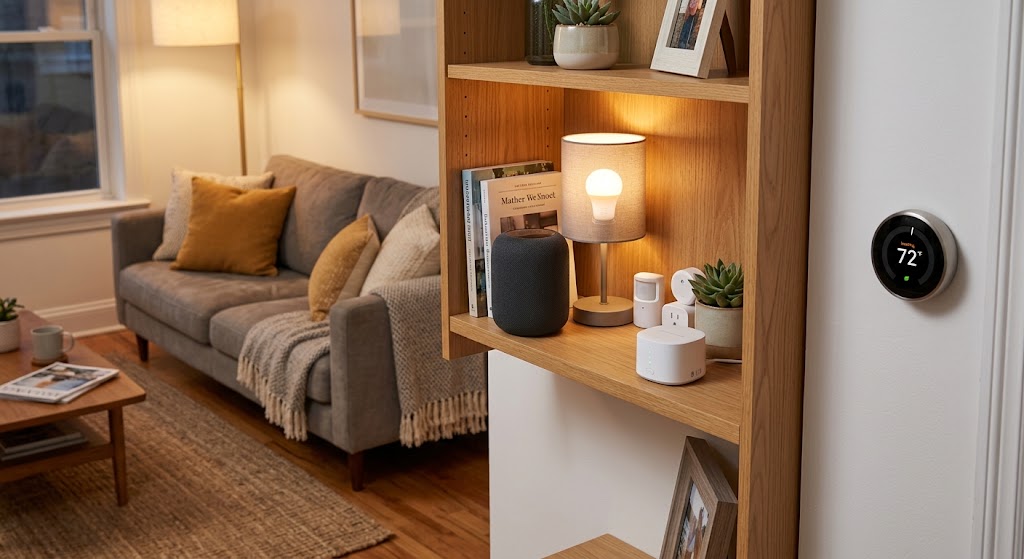
Renter Move-In Guide: Setting Up Smart Home Tech Without Drilling
A renter-friendly move-in plan for building a useful smart home with portable devices, removable mounts, safer privacy settings, and no permanent wall changes.
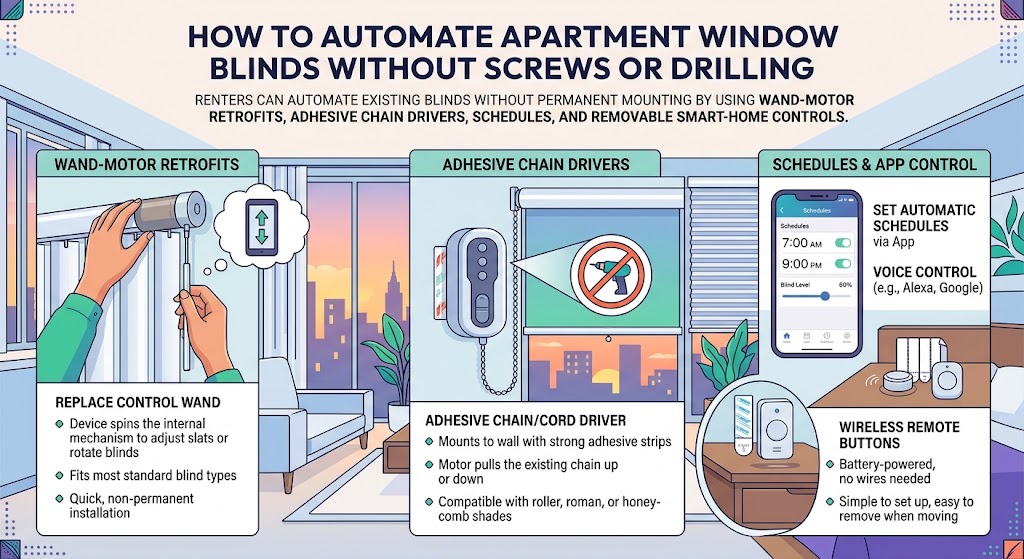
How to Automate Apartment Window Blinds Without Screws or Drilling
Renters can automate existing blinds without permanent mounting by using wand-motor retrofits, adhesive chain drivers, schedules, and removable smart-home controls.
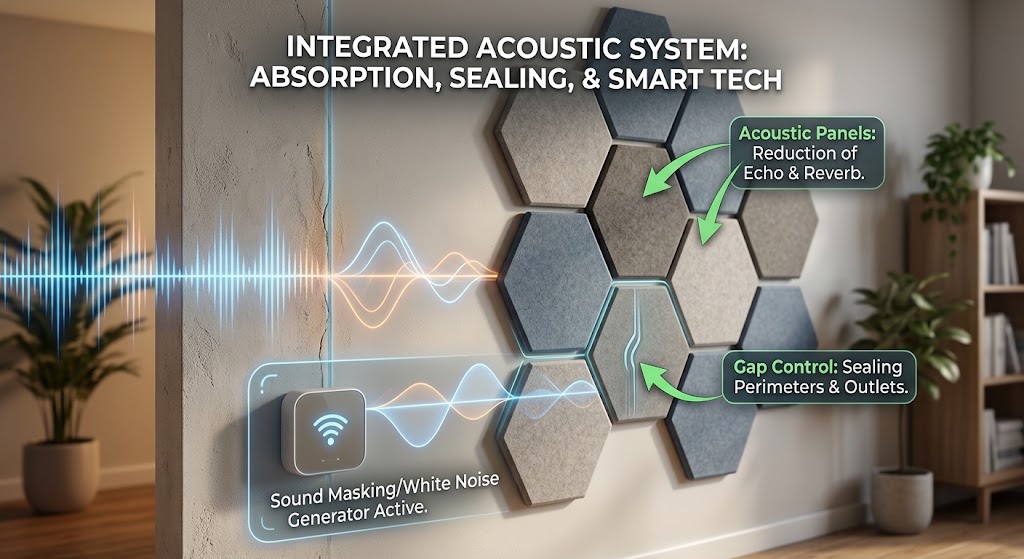
Soundproofing Apartment Walls: Smart Acoustic Panels & Tech Hacks
Acoustic panels can reduce echo, but they do not truly soundproof a shared apartment wall. Here is how renters can combine absorption, gap control, sound masking, and smart tech for a noticeably quieter space.
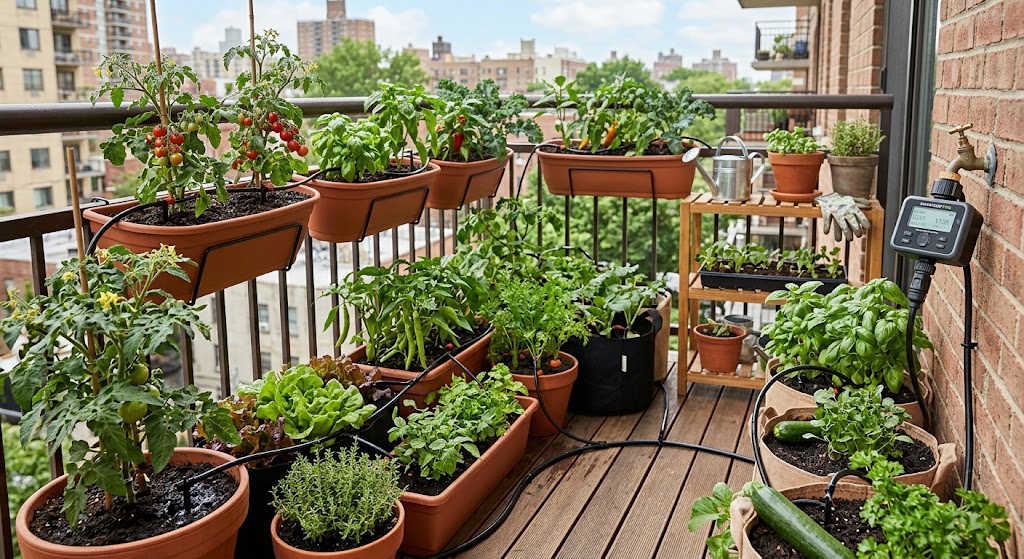
Smart Water Timer Setup for Balcony Container Vegetable Gardens
Set up a smart hose timer and drip irrigation for balcony vegetables without overwatering pots, wasting water, or creating runoff problems for neighbors below.